Clone Voices in ElevenLabs with Proper Consent
Use Instant Voice Cloning for short tests and Professional Voice Cloning only with verified consent for ongoing production.
- Category
- How-to
- Official sources
- 3
- Read time
- 8 min
- Last checked
- 2026.08.15
How IVC and PVC Work and Their Quality Differences
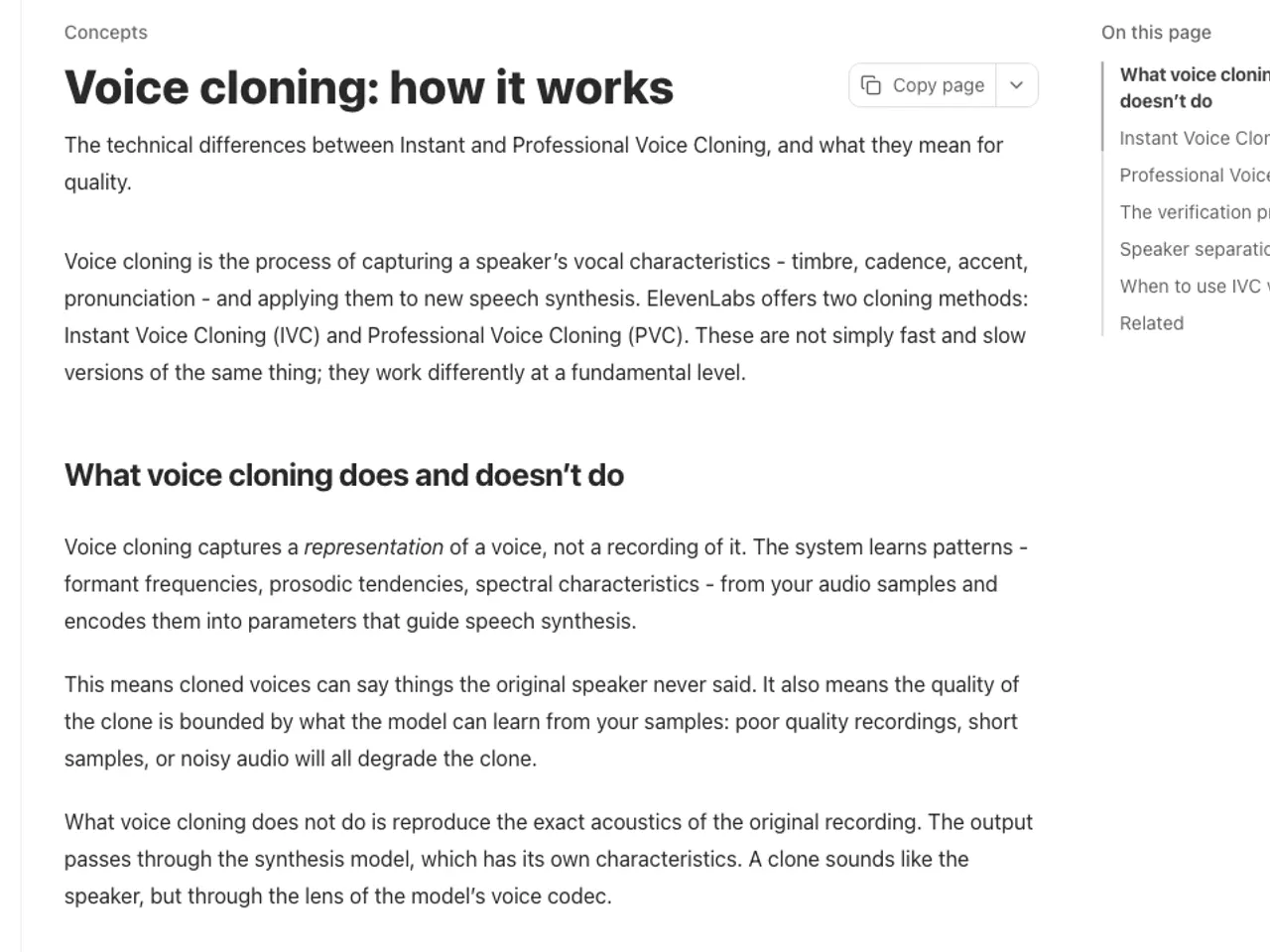
Instant Voice Cloning (IVC) generates a cloned voice immediately using a short audio sample recorded at the time of cloning. No additional training is required, making it suitable for drafts and internal tests.
However, background noise, compression artifacts, or unnatural speech patterns in the sample directly degrade output quality, so poor recordings yield inconsistent results.
Professional Voice Cloning (PVC) fine-tunes the model using a larger volume of high-quality audio. ElevenLabs’ official documentation recommends approximately 30 minutes of clean audio for optimal results, with greater diversity improving consistency.
Processing time is required, and PVC is available only on Creator and higher plans.
| Criteria | Instant Voice Cloning | Professional Voice Cloning |
|---|---|---|
| Minimum Plan | Starter | Creator |
| Preparation Time | Immediate with short sample | Recommended: ~30 minutes of high-quality audio |
| Suitable Use Cases | Drafts, quick internal tests | Long-term narration, branded voice creation |
| Quality Factors | Noise and intonation in reference recording | Volume, diversity, consistent recording environment |
| Verification Requirements | Rights and consent, sample quality | Identity verification, training data quality |
PVC does not always outperform IVC across all models. Since optimization for Eleven v3 varies, compare IVC and PVC samples directly within the target model before finalizing.
Ownership of Recordings and Consent for Voice Cloning
Possessing an interview, video, or meeting recording does not grant permission to clone that person’s voice for new sentences. ElevenLabs prohibits impersonation, fraudulent use of AI-generated content, and actions causing harm without explicit consent or legal rights.
Public figures’ publicly available videos do not automatically authorize cloning.
A consent document must specify the cloning purpose, intended channels, commercial use, duration, withdrawal procedures, and the custodian of the original files. If using a voice actor’s recording, verify whether the contract explicitly includes AI voice cloning and synthetic sentence generation.
Example consent clause: “I consent to the use of the provided voice sample for AI voice model generation and content production for [Channel] under [Project Name] for a period of [Duration], including withdrawal procedures and contact details.”
Cloning must not be used for deceptive or harmful purposes such as political manipulation, fraud, spam, unauthorized robocalls, or financial data theft. Passing Voice CAPTCHA does not waive legal responsibility; the creator remains liable for compliance.
Preparing Audio Samples for Training
Use original files containing only one speaker’s voice, with no background music, echo, or fan noise. Maintain consistent microphone positioning and room environment. Prefer lossless or high-quality originals over MP3 files that have been recompressed multiple times.
For projects requiring emotional expression, include a range of emotions in the sample rather than repeating neutral sentences.
If the recording contains multiple speakers, use separation tools, but overlapping voices or short target utterances may introduce artificial artifacts. Before using separated audio for PVC training, listen through headphones to confirm no residual voices remain. If contamination is detected, re-record clean isolated samples.
Generating a Cloned Voice in Seven Steps
- Finalize the target person, project, channels, and duration, then store the signed consent document in the project folder.
- Select IVC on Starter or PVC on Creator and above based on required quality and duration.
- Prepare a high-quality single-speaker file and verify no noise, music, or overlapping speech exists throughout.
- In the Voices menu, choose the cloning method, upload the sample, and complete identity verification.
- Generate a 300–500 character script in the target language and review similarity, pronunciation, and emotional tone with the original speaker.
- Document mispronunciations and excessive artifacts, then iteratively adjust the sample or settings.
- Archive the approved voice ID, usage plan, consent document, creation date, and permitted channels in a single record.
Completion criteria include successful identity verification, stable output in the target language, and approval from the original speaker regarding usage scope. Voice IDs and account access should be granted only to authorized project personnel.
Handling Authentication and Quality Issues: Stop Criteria
If Voice CAPTCHA or identity verification fails, do not edit recordings or request someone else to authenticate. Verify that the account owner matches the voice provider, confirm supported recording environments and browsers, and contact official support if unresolved.
When ownership is unclear, delete the voice and select an alternative from the official library or your own recordings.
If cloned output exhibits repetitive noise or metallic tones, first check the original file for compression artifacts, echo, microphone distance, and cross-talk rather than adjusting Stability settings. If IVC results remain unsatisfactory and long-term use is planned, re-record clean samples or switch to PVC.
Conversely, for short drafts, avoid maintaining high-tier plans after project completion and consider downgrading.
Upon receiving a withdrawal request, immediately halt new generations and process storage and deletion of models, samples, and outputs according to contract terms. For already published content, verify deletion feasibility per distribution channel and maintain a processing record.
Sources
ElevenLabs Documentation — Voice cloning: how it works (2026-08-15)
ElevenLabs — Prohibited Use Policy (2026-08-15)
ElevenLabs Documentation — Billing (2026-08-15)
Open provider document