Build a website with Wix AI and check free plan limits
Create and publish a Wix site with AI in minutes.
- Category
- Build with AI
- Official sources
- 5
- Read time
- 4 min
- Last checked
- 2026.09.24
Compare Wix plan specifications and free limits
Wix AI Website Builder allows users to create and immediately publish a site on the free plan. The free plan, however, restricts custom domain connections and imposes limits on storage and business features. Online store payment gateways and booking payment systems require an upgrade to a paid plan.
| Plan | Free | Light | Core | Business |
|---|---|---|---|---|
| Storage | 500 MB (1 GB bandwidth per month) | 2 GB | 50 GB | 100 GB |
| Custom domain | Not supported (Wix domain only) | 1-year free domain voucher on yearly billing | 1-year free domain voucher on yearly billing | 1-year free domain voucher on yearly billing |
| Online payment gateway | Not supported | Not supported | Supported | Supported |
Plan selection depends on use case. Free is sufficient for personal portfolios or simple informational sites. To connect a custom domain and remove Wix ads, switch to Light. For product sales or paid booking payments, choose Core or higher.
5-step site creation process using Wix AI Website Builder
Wix AI Website Builder generates layouts and content after analyzing business type through natural-language prompts. The more detailed the input about business nature and key features, the higher the initial site quality. Generated sites can be edited freely in the Wix Editor.
- Go to Wix.com, log in, and click the "Create with AI" button in the dashboard.
- Enter the business name, industry, and main goals in the prompt window, then refine the design concept via the AI chat.
- Review the site overview, theme, fonts, and color palette proposed by AI, then click "Generate Site" to create the initial pages.
- In the generated site view, switch to the Wix Editor menu to fine-tune text, image galleries, and business sections.
- Click the "Publish" button in the top-right corner and access the site via the free Wix URL to verify functionality.
After creation, switch to the mobile editor to confirm responsive layout and element spacing. Adjust mobile-specific layouts if text size or spacing appears misaligned.
When the free domain voucher applies
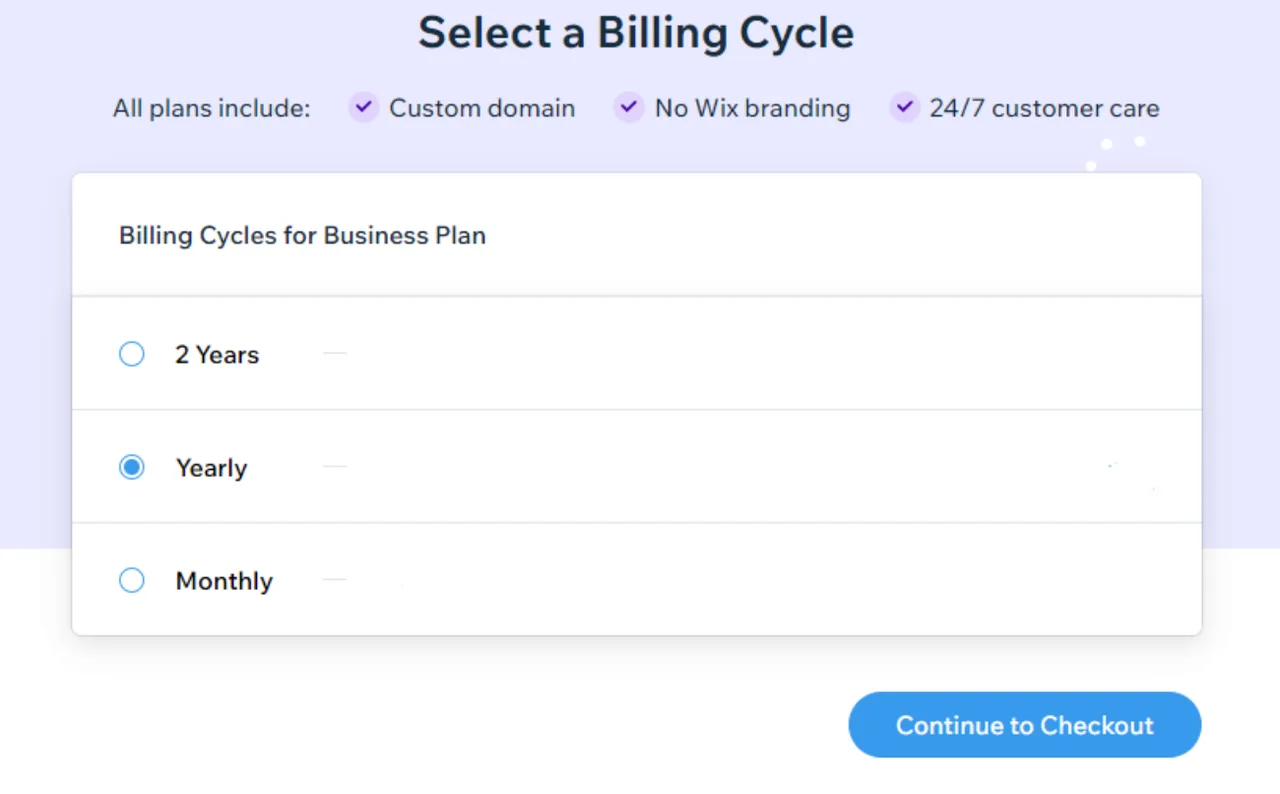
The one-year free domain voucher comes with the initial purchase of selected yearly or multi-year Premium plans and is not included in monthly plans. It can be used to buy a new domain from Wix or when transferring a domain you own to Wix, but not to renew a domain already at Wix.
If you connect a domain bought from another registrar, you keep paying that registrar for it. The free plan cannot connect any domain, so if you need your own domain and no Wix ad banner, switch to Light or a higher Premium plan.
Two critical free-plan restrictions often overlooked
The free plan enables cost-free website building but includes operational restrictions that can disrupt branding and service delivery if ignored.
First, the free plan does not allow connecting externally purchased custom domains (.com, .co.kr, etc.). Sites remain on the fixed format 'username.wixsite.com/sitename' and display a persistent Wix-branded ad banner at the top. To use a custom domain, upgrade to at least the Light plan.
Second, the free plan blocks payment gateway integration, preventing online store sales and paid booking payments. While Wix Stores or Wix Bookings apps can be added on the free plan, payment processing fails at checkout. To accept real payments, upgrade to Core or higher business plans.
Troubleshooting login and editor connection errors
When login fails or editor connection errors occur, follow recovery steps based on the cause.
- If the account password is lost, use the "Reset password" link on the login screen and complete email verification.
- If the sign-up email address is forgotten, use the "Find login email" tool and enter the website URL to locate the account.
- For Google or Apple social login errors, confirm the originally used authentication method and clear browser cookies before retrying.
- If admin login lacks editor modification rights, check user role permissions in the account settings menu on the dashboard.
Final validation and official pricing verification path
To verify successful site publishing, open a browser incognito window and access the assigned URL. Confirm main page loading speed, Wix banner visibility, and responsive layout display. Test order forms or contact forms by submitting them and verify entries appear in the dashboard inbox.
Official plan discounts, regional promotions, and enterprise pricing are listed on the Wix plans page (wix.com/plans). For real-time support, submit a 1:1 inquiry via the Help Center. For enterprise-scale dedicated infrastructure needs, review the Wix Studio adoption path.
Revision history · 2026-09-24
This article was revised against the provider’s official documentation. Korean note
Sources
support.wix.com — Logging in to Your Wix Account | Help Center | Wix.com (2026-08-24)
wix.com — Wix Pricing Information | Upgrade to a Premium Plan | Wix.com (2026-09-24)
support.wix.com — About Storage and Bandwidth (2026-09-24)
support.wix.com — About Your Free Domain Voucher (2026-09-24)
support.wix.com — Purchasing a Monthly Premium Plan (2026-09-24)
Open provider document