How to build a Framer AI website with custom domain and pricing
Create a Framer AI website from prompt to publish, compare AI credit limits by plan, connect a custom domain, and diagnose DNS misconfiguration failures.
 Framer
- Category
- Build with AI
- Official sources
- 9
- Read time
- 5 min
- Last checked
- 2026.08.26
Framer plan limits and included features by tier
Framer plans are differentiated by AI credit volume, custom domain support, CMS collection count, traffic bandwidth, and hosting specifications. Selecting the correct plan before payment prevents issues such as domain connection failure or credit exhaustion during operation.
| Plan name | Monthly cost (billed annually) | Monthly AI credits | Custom domain support | CMS collections / bandwidth limit |
|---|---|---|---|---|
| Free | $0 | 500 credits (one-time) | Not supported (default framer.photos domain) | Not available / 1 GB bandwidth |
| Basic | $10 / month | 1,000 credits / month | Supported (includes 1-year .com domain when billed annually) | 2 collections / 50 GB bandwidth |
| Enterprise | Custom quote | Custom volume discount | Supported (with dedicated security and SSO) | Organization-specific limits / unlimited editors |
Plan selection and upgrade guidance based on project needs
Use the Free plan for design layout validation or website prototype creation. Share the generated page via the default URL and test Framer Agent generation within the 500 one-time credit limit.
Switch to the Basic plan when a custom domain must be connected to a personal portfolio or small brand site. At $10 per month, the plan enables custom domain connection, 2 CMS collections, and stable operation within a 50 GB monthly bandwidth limit.
Common conditions missed when connecting a domain and selecting a paid plan
External domains purchased from hosting providers (e.g., brand.com) cannot be connected while on the Free plan. The Domains menu in Framer’s settings only accepts external DNS registration after a Basic plan or higher subscription is activated.
AI credits are deducted for Agent tasks, automatic layout adjustments, and CMS content generation. When the monthly limit is exceeded, prompt processing requests are immediately suspended. Even with an active paid plan, additional credit packages must be purchased once allocated credits are exhausted to continue using AI editing features.
5-step process: From Framer AI prompt to custom domain connection
Follow the specified screen actions and DNS creation in sequence to publish the generated website to an external domain.
- Access the Framer workspace and click the 'Start with Agents' button in the top-left corner to activate the AI prompt input field.
- Enter specific requirements in the prompt area (e.g., 'Brand landing page with 3D image ticker') and press Enter to auto-generate canvas layout and copy.
- On the Canvas, select generated layout elements and text blocks to edit copy, then adjust responsive styles for Desktop (1200px), Tablet, and Phone breakpoints in the Right Sidebar’s Breakpoints settings.
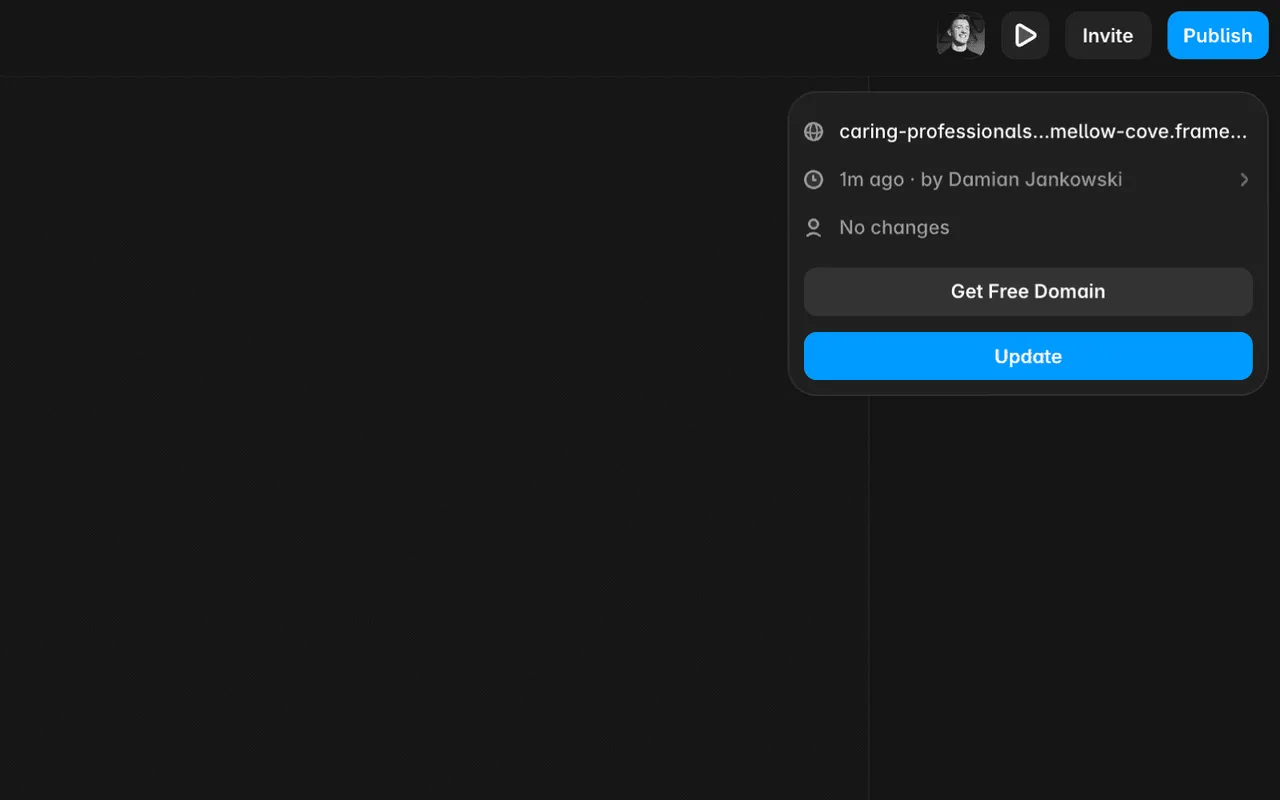
- Click the 'Site Settings' icon next to the 'Publish' button in the top navigation, navigate to the 'Domains' tab, select a plan of Basic or higher, and complete payment.
- In the 'Connect a domain you own' input field, enter the custom domain address, then register the displayed A record (IP address) and CNAME record values in the DNS management page of the domain registrar (e.g., Gabia, Cloudflare).
Domain connection failure diagnosis and completion verification
If the site fails to connect or errors persist after DNS configuration, identify and resolve the cause. Misspellings or missing records are common failure causes.
| Symptom and screen state | Cause category | Diagnosis and verification method | Recovery and corrective action |
|---|---|---|---|
| 'Invalid DNS' warning in Domains tab | A record IP address entry error | Reconfirm the A record value on the domain provider’s DNS settings page | Copy the IP address from Framer’s guidance window exactly and update the DNS record |
| Persistent SSL certificate issuance failure | CNAME value conflict with root domain | Verify the CNAME record host name is set to 'www' | Modify the subdomain host name to www, then save DNS changes |
| 404 page displayed when accessing domain | Site not published in Framer | Check if the 'Publish' button in the top-right is active and target domain is selected | Reselect the connected custom domain in the Publish menu and republish |
After correct configuration, the Domains menu in Framer displays a green 'Active' status icon. Finalize publication by entering the custom domain in a web browser to confirm secure HTTPS connection and responsive layout rendering.
Alternative paths and admin support request criteria
Organizations requiring multiple websites under a single custom domain via proxy structure or custom HTTP header settings must adopt the Advanced hosting option. For Enterprise-level requirements such as SSO login, SCIM account provisioning, and unlimited editor permissions, submit a custom contract request via the official sales team.
Sources checked
framer.com — Framer Agents help (2026-08-26)
framer.com — Framer AI website builder (2026-08-26)
framer.com — Framer AI: Design websites faster with intelligent tools (2026-08-26)
framer.com — Framer pricing: Free, Basic, Pro, and Enterprise plans (2026-08-26)
framer-ai.com — Framer: AI website builder for professional sites (2026-08-26)
framer.university — #1 Place to Learn Framer — Framer University (2026-08-26)
framer.en.softonic.com — Framer - Download (2026-08-26)
uithings.com — What Is Framer? A Design Tool Guide for 2026 - uithings.com (2026-08-26)
framer.university — The Perfect Website Builder Doesn’t Exi… — Framer Tutorial (2026-08-26)
Open provider document