Compare ChatGPT and Gemini Image Generation by Plan
Compare ChatGPT and Gemini image generation by subscription tier, including download resolution and file upload limits, to choose the right tool for your.
 OpenAIGGemini
- Category
- Pricing
- Official sources
- 9
- Read time
- 5 min
- Last checked
- 2026.09.12
ChatGPT and Gemini Image Generation and Data Processing Comparison
ChatGPT and Gemini show clear differences in image generation models, original download resolution, and analysis file upload limits depending on the paid subscription plan. A comparison table based on official specifications is provided to select a solution that fits the work environment.
| Comparison Item | ChatGPT (Free / Plus) | Gemini (Google AI Plus / Pro / Ultra) |
|---|---|---|
| Core Image Model | DALL-E 3 | Nano Banana 2 (including Pro/Lite) |
| Maximum Download Resolution | Not disclosed in official documentation | 2K resolution with paid subscription (Free is 1K) |
| Per-File Upload Limit | 512MB (text and documents limited to 2M tokens) | Google Drive and Cloud storage integration |
| Spreadsheet Capacity Limit | Approximately 50MB (CSV and spreadsheet basis) | Shared within plan-provided storage capacity |
| Default Storage by Plan | 25GB per user / 100GB per organization | Plus 400GB / Pro 5TB / Ultra 20TB |
Three How to Choose by Work Environment and Budget Range
For small teams without designers that need to repeatedly produce high-resolution mockups, subscribing to a Google AI plan is rational. The Nano Banana Pro model provided to Google AI plan users supports 2K resolution downloads and a function to precisely regenerate text rendering within images.
For extracting infographic summaries by analyzing text reports and vast numerical data, selecting ChatGPT Plus is advantageous.
ChatGPT allows uploading large analysis files up to 512MB each, making it suitable for data-driven visual material extraction tasks.
For personal portfolio production or simple reference mockups using only the free tier, cross-utilize the base plans with no daily image generation limits. Gemini allows unlimited 1K resolution image downloads even with a free account, reducing initial cost.
<br>Payment Policies Often Overlooked During Image Generation and File Upload
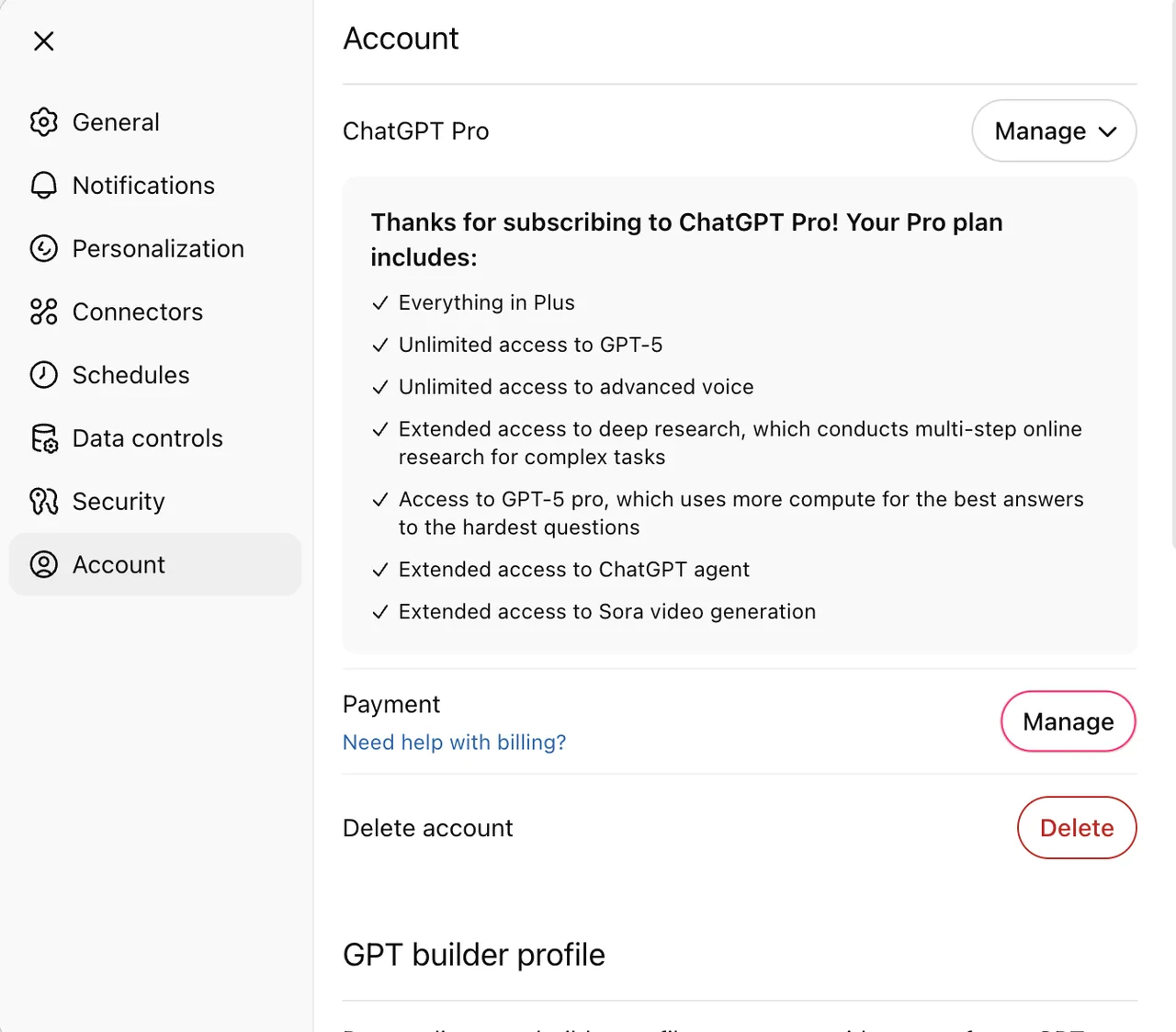
Google AI plans impose restrictions on image generation and editing features depending on account type and age policy. Users under 18 years old or those logged in with a school account cannot use the image editing function and the export to Google Docs function at all.
ChatGPT's file upload function is completely blocked for paid accounts once cumulative usage is reached. Exceeding the rolling upload limit of 80 files per 3 hours and the personal cumulative storage limit of 25GB triggers an upload limit error message on screen.
<br>5-Step Precise Image Production Using Nano Banana Pro in Gemini
The following is the concrete work sequence to complete and edit high-resolution visual results within the Gemini app, based on a paid subscription account.
- Access gemini.google.com in a computer browser and log in with a Google account that has an active paid subscription.
- Open the sidebar from the top-left menu and enter a prompt specifying subject and style, such as "Draw a hyper-modern car driving on an old mountain road surrounded by nature in watercolor style."
- Click the "More" icon at the bottom right of the generated image result and select "Run again with Pro" to refine details.
- Click the chat button below the image and submit additional detail requests or character consistency commands as text.
- Hover over the completed image and click the "Download original size" icon to save the 2K resolution file to the local drive.
Troubleshooting Procedure for File Upload Errors
When file upload for data analysis or image reference fails in ChatGPT, check browser settings and cumulative capacity to take action.
- Account Session Error and Plan Verification: Navigate to the Settings menu in the ChatGPT screen to verify that the subscription plan is maintained normally, then attempt logout and re-login.
- Upload Rolling Limit and Cumulative Storage Reached: Enter the "Settings > Storage" menu path to check if personal library storage has reached the 25GB limit and delete unnecessary previous chat rooms.
- Server Outage Determination: Access the OpenAI official system status page at status.openai.com and cross-check whether file upload and API related system outage incidents are registered.
- Technical Support Escalation and Alternative Path: If the above steps do not resolve the issue, secure the error screen screenshot, timestamp, browser information, and request ID, then submit an inquiry to the OpenAI Help Center. If immediate action is impossible due to payment issues or account deactivation and business continuity must be maintained, switch to a Google AI plan and utilize the Gemini app's document upload and image regeneration tools as an alternative solution.
Sources
help.openai.com — ChatGPT file uploads FAQ (2026-09-12)
one.google.com — Google AI plans (2026-09-12)
support.google.com — Generate and edit images with Gemini Apps (2026-09-12)
policies.google.com — Generative AI Prohibited Use Policy (2026-09-12)
openai.com — Introducing ChatGPT - OpenAI (2026-09-12)
openai.com — ChatGPT can now see, hear, and speak - OpenAI (2026-09-12)
help.openai.com — The ChatGPT home page | OpenAI Help Center (2026-09-12)
learn.chatgpt.com — ChatGPT | ChatGPT Learn (2026-09-12)
learn.chatgpt.com — ChatGPT desktop app | ChatGPT Learn (2026-09-12)
Open provider document