How to Resolve Gemini Latency and Generation Errors
Follow a five-step recovery procedure to resolve latency issues and generation errors in Google Gemini by checking account permissions and policy.
- Category
- Troubleshooting
- Official sources
- 8
- Read time
- 5 min
- Last checked
- 2026.09.10
Diagnosis Table for Gemini Generation Failures and Latency Issues
Issues encountered while using Google Gemini can stem from various causes depending on your account type, subscription plan limitations, and compliance with input prompts' policies. To quickly address these problems, refer to the diagnosis table below to match current screen statuses with appropriate actions.
| Error Symptoms & Screen Status | Primary Causes | Impact Scope | Immediate Actions |
|---|---|---|---|
| Prompt sent but response delayed indefinitely | Exceeding weekly usage quota or temporary traffic surge | Applies to all accounts | Wait for automatic session reset within 5 hours or purchase additional AI credits |
| Image deletion or content creation rejection message displayed | Triggering filters for prohibited uses per generative AI policies | Affects individual and workspace accounts | Revise prompt excluding banned terms and modify descriptive texts |
| 'Retry as Pro' button disabled or malfunctioning | Daily allocation of Nano Banana 2 model exhausted | Limited to paid subscribers only | Await next day's quota renewal or switch to basic models |
| Browser repeatedly shows 'Cannot process request' | Local cookies and site data cache corrupted | Web browser environment issue | Delete cached data for gemini.google.com through browser settings menu |
Verification of Policy Violations and Age Restrictions
When Gemini denies requests or deletes images, it may indicate a violation of Google's prohibitive generative AI use guidelines.
Prompts containing child abuse material, violent extremism, non-consensual personal imagery, self-harm indicators, or intellectual property infringements get automatically blocked by system filters.
Functionality restrictions also apply based on user age criteria. Users must have their account set to at least 18 years old to fully utilize image generation features. Those aged between 13 and under 18 can generate images but lack access to editing tools and exporting capabilities to Google Docs due to safety protocols.
Organizational accounts might face deactivated functionalities owing to company-imposed security configurations. Business tier users should review administrative console policy settings first before proceeding further.
Five-Step Recovery Process for Restoring Normal Service Operation
To restore connectivity and operational stability when facing persistent malfunctions, perform sequential troubleshooting tasks outlined hereunder.
- Navigate to gemini.google.com via web browser URL bar then click the sidebar open icon located top-left corner.
- Access browser setting options selecting 'Privacy and Security,' proceed to clear stored data associated specifically with gemini.google.com under 'Cookies and other site data.'
- Re-enter Google account credentials post logout to complete reauthentication.
- Switch from Nano Banana 2 standard version to its optimized variant called Nano Banana 2 Lite if repeated image generation attempts fail persistently.
- Begin prompts clearly instructing desired outputs like 'Draw...' or 'Create...,' omitting unnecessary character descriptions and trademarked brand references where applicable.
Validation Steps Post-Recovery
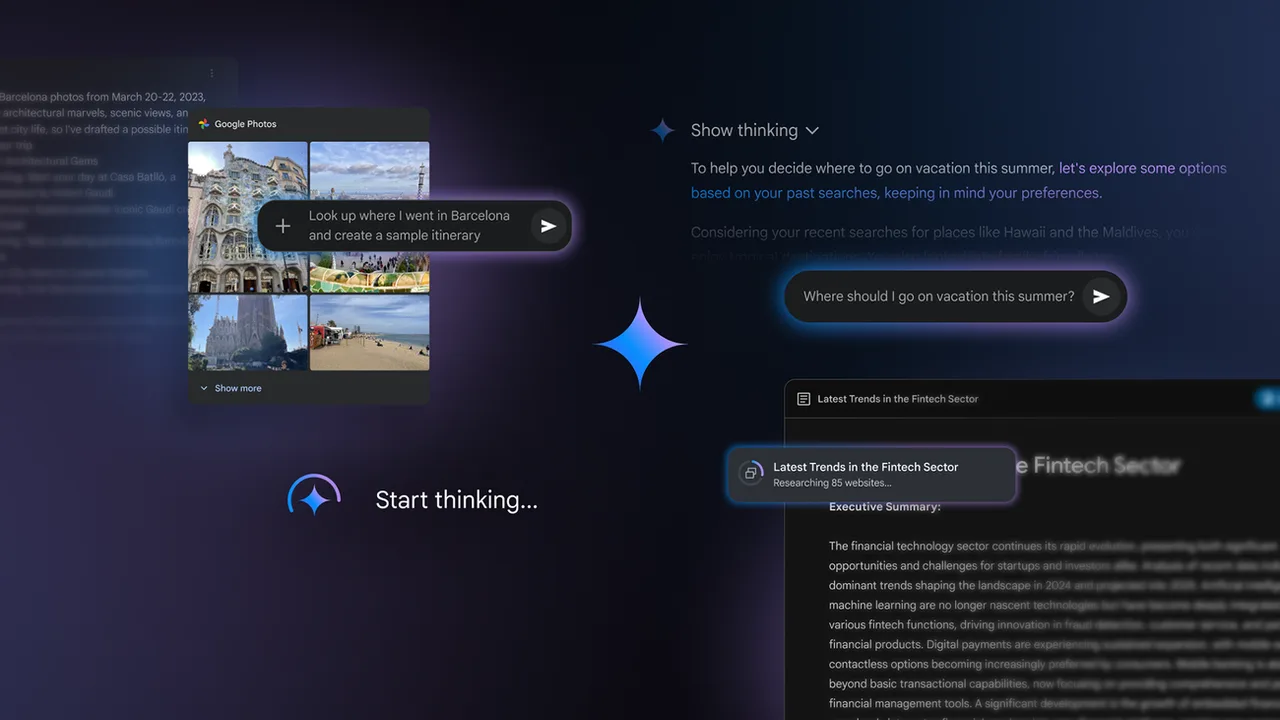
After completing restoration procedures verify whether services function properly again utilizing test prompts provided herein.
Sample validation prompts include:
Paint a river flowing through jungle scenery in vibrant watercolor style.`
Ensure high-resolution preview renders correctly upon submission. Premium members need to check activation status of 'Retry as Pro' option right corner beneath generated output.
Standard plan holders download files rendered at 1K resolution whereas AI plan participants receive up to 2K resolutions upon clicking download buttons respectively.
Alternative Routes and Support Request Instructions
If unresolved despite exhaustive remediation efforts consider alternate pathways including contacting support teams providing detailed incident reports comprising exact error codes observed during occurrences along with full text copies problematic prompts alongside uploaded file formats used previously coupled with active service subscriptions types alongside present browser versions.
Sources
one.google.com — Google AI plans (2026-09-10)
support.google.com — Generate and edit images with Gemini Apps (2026-09-10)
policies.google.com — Generative AI Prohibited Use Policy (2026-09-10)
gemini.google — Gemini – Google에서 제공하는 나만의 AI 어시스턴트 (2026-09-10)
gemini.google — 새로운 개인 AI 어시스턴트인 Gemini를 소개합니다 (2026-09-10)
deepmind.google — Gemini — Google DeepMind (2026-09-10)
play.google.com — Google Gemini - Apps on Google Play (2026-09-10)
deepmind.google — Gemini 3.1 Pro - Google DeepMind (2026-09-10)
Open provider document