Practice English Conversation with ChatGPT Voice
ChatGPT English conversation study combines the mobile app's Voice feature with Custom Instructions.
 OpenAI
- Category
- AI for everyday life
- Official sources
- 3
- Read time
- 5 min
- Last checked
- 2026.09.24
Prerequisites and Unsupported Conditions
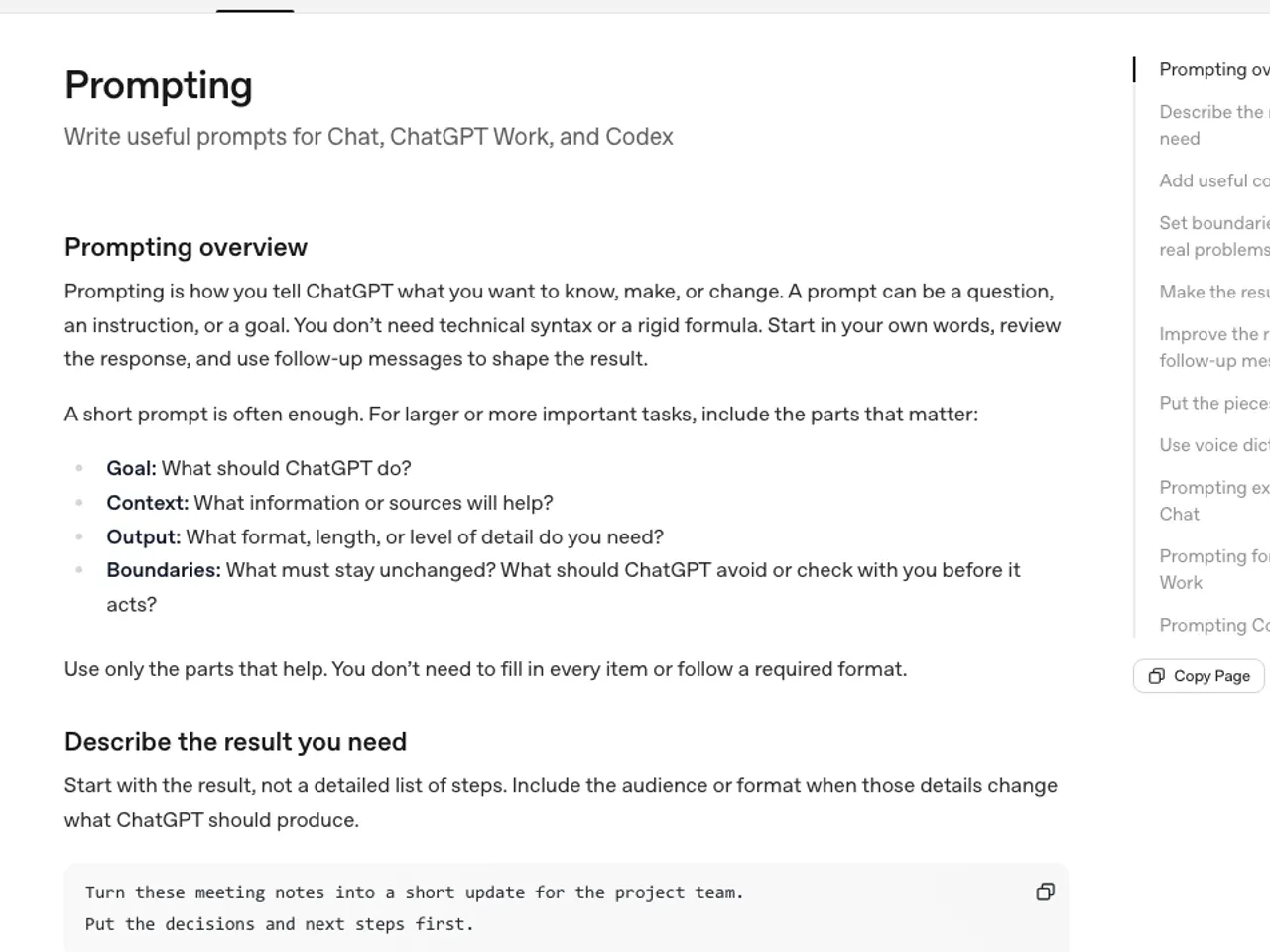
According to OpenAI's help center, Voice is available on web, iOS and Android, so on a PC browser select the Voice icon in the prompt window and allow microphone access. Voice time differs by plan: limited on Free, 3 hours a month on Plus and 15 hours on Pro.
No special audio interface is required for equipment selection; a headset supporting the system standard audio input specification is sufficient. If the mobile device's built-in microphone performs well and the surroundings are quiet, the study can proceed without a separate microphone.
However, in business accounts or enterprise tenant environments with strict data retention policies, voice transmission may be disabled by administration, so personal account access permissions must be verified.
| Category | Recommended Condition | Unsupported Condition | Review Item |
|---|---|---|---|
| Device | Web (chatgpt.com), official iOS / Android apps | No microphone, or the browser blocks microphone access | App or browser up to date |
| Voice Input Equipment | Device microphone or wired/wireless headset | Disconnected microphone, equipment with excessive noise | Audio input signal normal operation check |
| Network | Wi-Fi or LTE/5G data | Data access blocked environment | Voice streaming latency check |
| Account Permissions | Personal Free / Plus / Pro accounts | Enterprise accounts with Voice feature blocked | Voice menu activation status in account |
The Prompt That Assigns the Corrector Role
To improve conversation study effectiveness, a system prompt assigning ChatGPT the role of a corrector must be set in advance.
This prompt instructs ChatGPT to immediately correct grammatical mistakes or unnatural expressions during conversation and suggest more natural alternatives.
Copy the text below and paste it into 'Custom Instructions' in ChatGPT settings or the first chat window.
"Act as an expert English conversation tutor. Focus on natural daily conversations. Whenever I make a grammatical mistake or use unnatural phrasing, correct me right away with a brief explanation and suggest a better alternative. Keep your spoken responses under three sentences to maintain a back-and-forth dialogue flow."
After the voice conversation ends, review your utterance history against the correction criteria using the text transcript. The learner compares the AI's suggested corrections with their original sentences to record weak grammar structures. Corrected expressions are saved in a separate note for reuse in the next conversation session.
From Voice Settings to Feedback Review
Real-time English conversation study proceeds through a series of steps from mobile app setup to feedback review. To maintain continuous dialogue flow, voice settings in the app must be completed in advance.
- Launch the ChatGPT mobile app, tap the top-left menu, navigate to the account profile, and select 'Settings'.
- Under Settings → Voice, choose the voice you want to practice with; microphone access is granted through the browser or OS prompt when you first use Voice.
- Paste the prepared English correction prompt into the 'Custom Instructions' field in the settings menu and save.
- Tap the 'Voice (Microphone/Headphone)' icon at the right of the bottom input field to enter the real-time conversation screen.
- Start the conversation in English in response to the AI's initial greeting, and after the voice session ends, review the text history displayed on the screen for errors and corrections.
Evaluation Criteria for Results
To verify whether a voice conversation session executed normally, evaluate the text conversion accuracy of the conversation history and whether corrections were provided. When the conversation ends the transcript is added to the chat, but OpenAI notes that transcripts are not verbatim, so review the corrections rather than the transcript's spelling.
The core evaluation criterion is whether the AI flagged the user's errors and displayed correction sentences rather than letting them pass.
If pronunciation issues cause completely different words from the user's intent to be transcribed, pronunciation correction is needed. If the AI's response exceeds three sentences and continues as a one-sided explanation, the configured prompt control condition has not been applied.
When judged normal, conduct repetitive voice training based on expressions extracted from the conversation log.
Troubleshooting and Alternatives
If the voice icon does not respond or a connection error occurs, check whether microphone permission is denied in the smartphone's OS settings. If microphone permission is denied, change the microphone item to 'Allow' in the smartphone's 'Settings > Applications > ChatGPT > Permissions' menu.
If the connection still drops with permissions granted, switch networks and retry; if it keeps happening, check whether the plan's voice time has been used up.
When the plan's voice time is used up, switch to an alternative path: enter the correction prompt in the ChatGPT web chat window and exchange sentences text-based.
For enterprise accounts where voice data transmission is restricted by internal security policy, request the workspace administrator to enable Voice feature permissions or switch to a personal account to conduct the conversation.
Revision history · 2026-09-24
This article was revised against the provider’s official documentation. Korean note
Sources
OpenAI Help Center — ChatGPT Voice FAQ (2026-09-24)
OpenAI Help Center — Custom instructions for ChatGPT (2026-09-24)
OpenAI — ChatGPT 요금제 (2026-09-24)
Open provider document