Cursor vs Windsurf vs Cline: Monthly API Costs
Cursor Pro and Windsurf (now Devin) Pro cost $20 a month and ClinePass $9.99. Split subscription fees from model usage to compare real monthly cost.
- Category
- Comparison
- Official sources
- 12
- Read time
- 5 min
- Last checked
- 2026.09.20
Conclusions based on verified prices
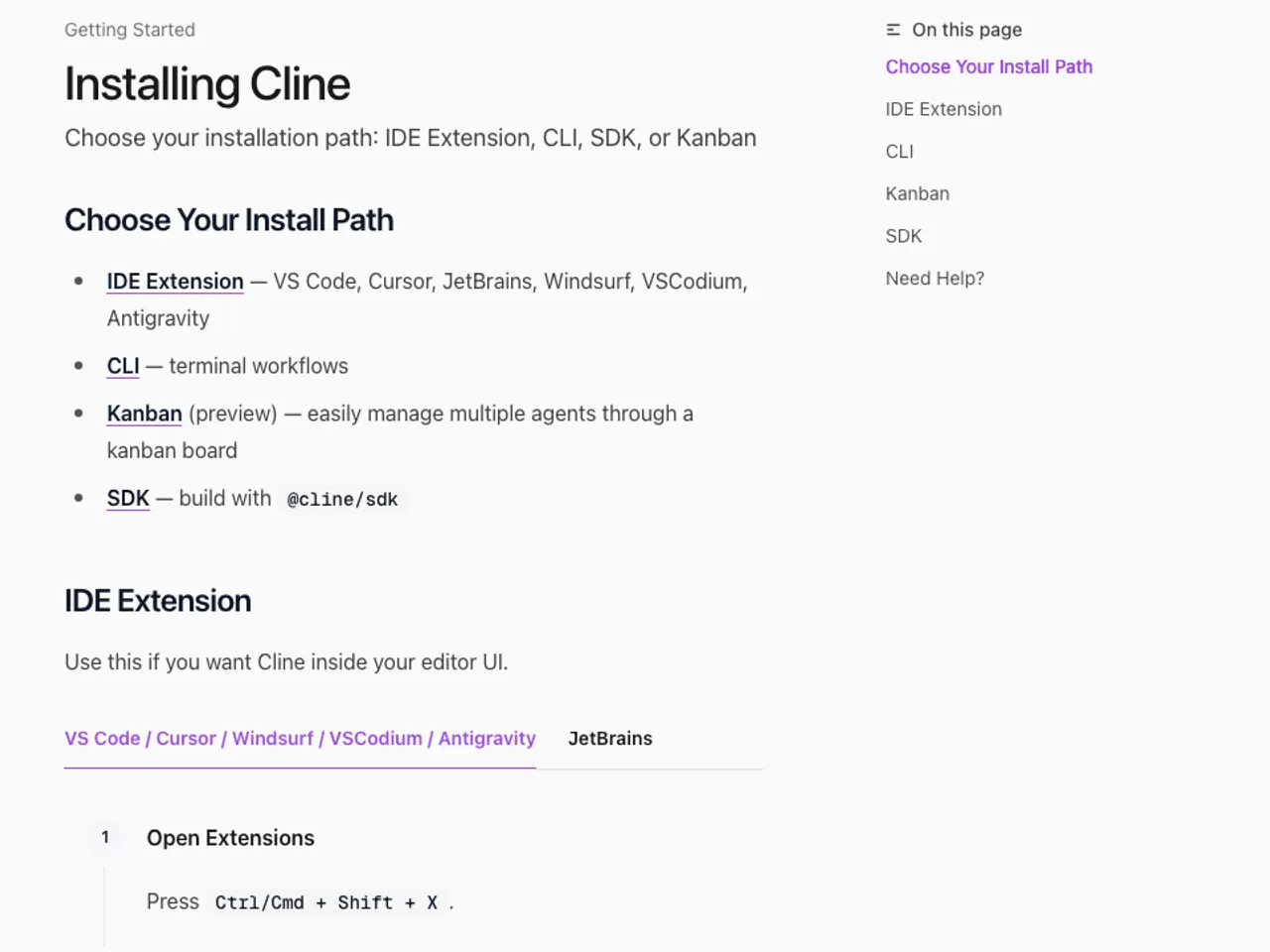
Based on the provided materials, ClinePass is priced at $9.99 per month. Cline’s documentation states that ClinePass offers 2–5× the usage of standard API rates on popular open coding models, but the document does not include a monthly cost table by model. [1]
Cursor's pricing page lists Hobby (free), Pro at $20 per month with Pro+ and Ultra tiers above it, Teams at $40 per user per month and custom Enterprise pricing, and usage beyond the included allowance is billed afterwards. [2][3]
Opening windsurf.com/pricing redirects to devin.ai/pricing, whose title reads Devin Plans and Pricing: the team behind Windsurf now sells it as part of the same product line, and this is the official pricing screen a Windsurf user reaches today.
It lists Free at $0, Pro at $20 a month, Max at $200 a month, and Teams at $80 a month plus $40 per full developer seat. Note the product name change before comparing. [4]
GitHub Copilot belongs in the same table because it competes inside the same editor.
Its official plans page shows Free at $0 with 2,000 completions a month, Pro at $10 a month, Pro+ at $39 a month, and Max at $100 a month, and states that the paid tiers include $15, $70, and $200 of GitHub AI credits respectively. Do not record the subscription fee and the cost after credits run out on the same line. [12]
Monthly cost item comparison across the four tools
| Category | Cursor | Windsurf | Cline | GitHub Copilot | Monthly calculation basis |
|---|---|---|---|---|---|
| Free | Hobby tier, free | Free, $0 | Open source and free, bring your own key | Free, $0, 2,000 completions a month | Verify fixed fees and model usage fees separately |
| Personal paid | Pro $20 a month (Pro+ and Ultra are separate tiers) | Pro $20 a month, Max $200 a month | ClinePass $9.99 a month | Pro $10 a month, Pro+ $39 a month, Max $100 a month | Separate subscription fee from additional usage fees |
| Team | Teams $40 per user a month, Enterprise on request | Teams $80 a month plus $40 per full developer seat, Enterprise on request | Confirm organization access permissions and Cline login conditions in docs | Business and Enterprise on request | Distinguish admin payment from per-key costs |
| BYOK·API | Usage beyond the subscription is billed by usage | Pro and above buy overage at API pricing | Prices from providers such as OpenRouter based on underlying model | Paid tiers include $15, $70, and $200 of credits a month | Add provider model price × actual usage volume |
Free users should check Cline’s built-in free model options in Cline Settings if desired, or cross-check free tiers on Cursor or Windsurf pricing pages. Cline’s documentation alone does not specify monthly token or request volumes for free usage. [1]
Paid personal users should first calculate the fixed ClinePass fee and, if selecting models not included in ClinePass, move to a step that verifies model-level additional costs. Cursor has no published price figures in the collected data, so no numbers are entered; Windsurf calculations require confirming that the provided URL matches the Windsurf product.
[1][4]
Team or high-volume users must not compare personal subscription fees alone. For Cline, verify membership in app.cline.bot and admin permissions if organization access fails; for Cursor, add team or enterprise costs from official documentation once numeric values are located. [1][2]
Monthly cost formula and reusable table
In Cline BYOK and OpenRouter flows, Cline applies the underlying model price set by the selected provider and model, not its own rate. Therefore, record monthly costs as follows. [5]
The Roo Code extension for VS Code works the same way: it runs on an API key you connect from a provider such as OpenRouter or Anthropic, so its monthly cost follows that provider's model prices. [13]
Total monthly cost = Monthly subscription fee + Model input cost + Model output cost + Additional usage fees
ClinePass monthly subscription fee = 9.99 USD/month
Additional usage fees for models outside ClinePass = Undetermined until official model prices are confirmed
Cursor monthly subscription fee = $20 on Pro
Windsurf monthly subscription fee = Undetermined until product match is confirmed
Blank cells in the table below represent unpublished official prices, not zeros. To compare services, align model names, input units, output units, and usage periods; otherwise differences cannot be calculated.
| Item | Cursor | Windsurf | Cline BYOK |
|---|---|---|---|
| Monthly subscription fee | $20 (Pro) | $20 (Pro) | 0 or ClinePass $9.99 |
| Model | Enter selected model | Models included in the plan plus API overage | OpenRouter, Anthropic, OpenAI, etc. |
| Input usage | Required entry | Required entry | Required entry |
| Output usage | Required entry | Required entry | Required entry |
| Additional charges | Billed by usage | Bought at API pricing | Provider model price times usage |
Payment paths and commonly missed conditions
After subscribing to ClinePass via the ClinePass dashboard, select ClinePass in Cline’s API Provider settings. Cline’s documentation states that credits can be added via the usage-billing path in Cline Settings or at app.cline.bot/dashboard, so do not combine the ClinePass subscription fee with usage-billing credits. [1]
Cline BYOK does not replace model call costs with the Cline subscription fee. If OpenRouter is chosen, OpenRouter bills based on the underlying model price, so entering an API key in Cline does not by itself determine the monthly cost. [5]
Cline's documentation quotes a pricing page stating that paid plan usage resets daily and weekly. The same reset policy and the $20, $200 and $80 amounts now appear on the Devin pricing page, so record them under the Devin product name when you copy them into a comparison. [4]
Cancellation and refund terms are not provided in the collected materials for Cursor, Windsurf, or Cline. Before payment, check the subscription management screen in the ClinePass dashboard and the current Billing or Pricing pages of each product, and record the cancellation conditions shown on those pages. [1][2][4]
Change selection and Checks
When the actual comparison target is Cline versus external API costs, enter the same model and period for both sides. Use company repositories or customer data only if company policy permits external AI provider inputs, and do not record API keys in documents or tables.
- Open Cline Settings by clicking the gear icon in the Cline panel. [1]
- In the API Provider dropdown, select the actual payment path: ClinePass, Cline usage-billing, or OpenRouter. [1]
- If OpenRouter is selected, enter the OpenRouter API key in the field and choose the comparison model from the Model dropdown. [5]
- Enter subscription fee, input usage, output usage, and additional fees separately in the monthly record table. [5]
- If ClinePass is selected, cross-check the subscription status in the ClinePass dashboard with the selected provider in the Cline panel. [1]
- If comparing Cursor, verify the current account pricing and selected model in Cursor’s API Keys and Models & Pricing pages. [2][3]
- When comparing Windsurf, note that its pricing URL redirects to the Devin page, and label the plan names and amounts you take from it as Devin figures. [4]
Successful reflection is confirmed when the selected values appear in the Cline panel’s API Provider and Model fields, and in the OpenRouter path the API key field and selected model remain populated.
Cost validation is performed by comparing the billing period, model name, and input/output costs on the dashboard or provider usage page against the corresponding columns in the table. [1][5]
Failure diagnosis and alternative paths
If the Cline panel shows “Unauthorized: Please sign in,” verify whether the session has expired and re-authenticate by clicking Sign In.
If the browser does not open, manually enter the URL shown in the Cline output panel into the default browser, and if repeated authentication occurs, check organization security policies and whether IDE secrets were deleted. [1]
If organization access to Cline fails, verify membership in app.cline.bot and request permissions from the administrator before logging out and back in. Do not assume that a general user can change team billing or organization membership; if permissions cannot be confirmed, escalate the change to the administrator. [1]
If OpenRouter model prices do not appear, confirm that the Cline API Provider is set to OpenRouter, then check the underlying model prices on the OpenRouter Models page. If prices cannot be confirmed, do not enter 0; instead, mark the official model price as unpublished and postpone the entry. [5]
If the goal is to connect Cursor via its own API key, navigate to Cursor's API Keys page and record fixed monthly fees and external provider costs as separate line items. If you need Windsurf pricing, use the plan names and amounts on devin.ai/pricing, and confirm which product name appears on the checkout screen before signing up. [2][4]
Paths to confirm unpublished official prices
For Cursor, check model-specific conditions on the official Models & Pricing page and record the amount shown on the account’s Pricing or Billing page. Do not derive API call unit prices or monthly limits from the API Keys page alone. [2][3]
For Windsurf, the official pricing URL redirects to the Devin page, so read the plan names and amounts as Devin's and re-check on the checkout screen which product you are buying. The two products now share one pricing page, so match like tiers when comparing against Cursor. [4]
For Cline, separate ClinePass, Cline usage-billing, and BYOK based on the API Provider selection in Settings. Enter only the ClinePass fixed subscription fee of $9.99/month, and add BYOK model prices and Cline usage-billing credits after verifying the current displayed values in the provider or app.cline.bot/dashboard. [1][5]
Prices are from each vendor's own pricing page as of 2026-09-15. Windsurf's windsurf.com/pricing redirected to devin.ai/pricing on that date, so the Windsurf column carries the figures shown on the Devin pricing page. Dollar amounts may exclude tax, and ClinePass states that an additional processing fee may apply.
Revision history · 2026-09-15
This article was revised against the provider’s official documentation. Korean note
Sources
cursor.com — Cursor 요금제 (2026-09-15)
cline.bot — Cline Pricing (2026-09-15)
cline.bot — ClinePass (2026-09-15)
docs.cursor.com — Cursor models and pricing (2026-08-13)
docs.cursor.com — Cursor API keys (2026-08-13)
windsurf.com — Windsurf plans (2026-08-13)
docs.cline.bot — Cline model selection (2026-08-13)
docs.cline.bot — Cline API provider configuration (2026-08-13)
cursor.com — AI Coding Agent for Building Ambitious Software | Cursor (2026-08-13)
cursor.com — Cursor · Download (2026-08-13)
github.com — GitHub Copilot Plans & pricing (2026-09-20)
Roo Code Docs — Connecting To AI Provider (2026-09-24)
Open provider document