Use ChatGPT Safely for Company Work
Check company data policy, account type, and model-training controls before entering workplace information in ChatGPT.
 OpenAI
- Category
- Workflows
- Official sources
- 3
- Read time
- 8 min
- Last checked
- 2026.09.24
Personal and business accounts handle data differently
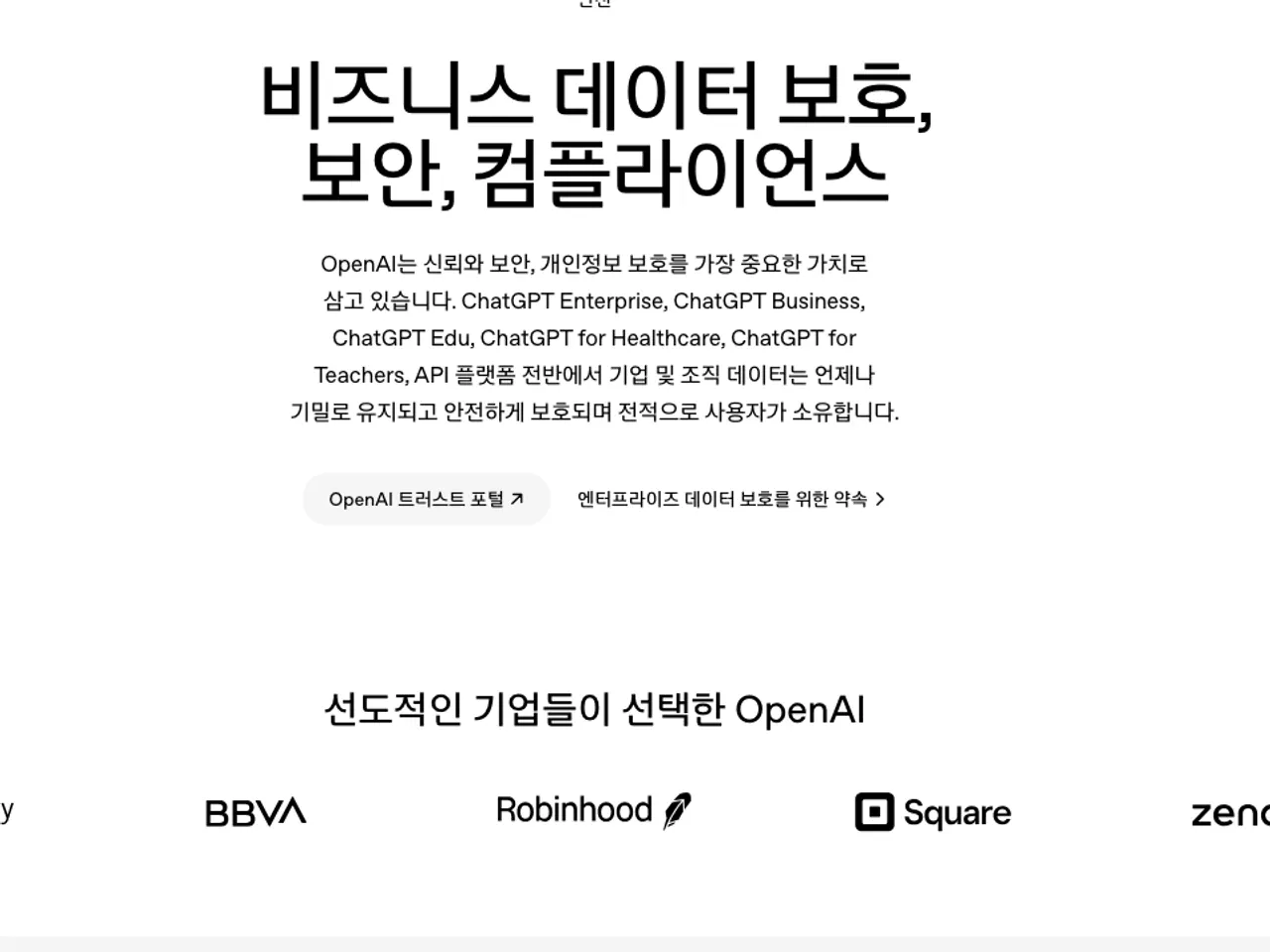
The decisive factor for using ChatGPT in company operations is not functionality but contractual terms.
OpenAI’s defined scope for business data includes ChatGPT Business, Enterprise, Healthcare, Edu, Teachers, and inputs/outputs processed via the API platform.
Within this scope, the default setting explicitly states that input data is not used for model training.
Conversely, entering internal documents using a personal plan falls outside this contractual protection. Most operational issues arise not from tool operation but from failing to verify which account is being used.
| Verification item | Business plan | Personal account |
|---|---|---|
| Default model training | Not used | Used while Improve the model for everyone is on; turn it off in Settings > Data controls |
| Input/output ownership | Customer (within legal limits) | Governed by personal terms |
| Retention period control | Available in Enterprise, Healthcare, Edu | Not provided |
| Access permission management | Admin-assigned, SAML SSO | User-managed |
| Audit/regulatory compliance | DPA available | Not applicable |
Default setting prohibits training use, but exceptions exist
Official guidance states that business data is not used for model training by default. However, one exception applies: data may be used for training if explicitly opted in for service improvement via the feedback submission feature.
Therefore, when deploying internally, two checks are required: confirm the plan type is business, and tell members not to share conversations with OpenAI through the opt-in feedback feature.
Security measures include AES-256 encryption for stored data, TLS 1.2+ for data in transit, and SOC 2 audit completion. For GDPR and other privacy regulations, a Data Processing Addendum (DPA) can be executed.
Administrator-controlled scope in business plans
In business plans, administrators control three axes: account access, connected systems, and external sharing.
Administrators can assign access permissions at the user level and restrict usage by feature. Authentication supports SAML-based single sign-on (SSO), integrating with internal identity systems.
When connecting third-party apps, administrators must explicitly enable each app within the workspace. Users must authenticate separately within the app before use. Existing internal permissions are respected, preventing unauthorized data exposure. Data accessed via apps is also not used for model training by default.
External sharing of custom GPTs requires additional review and may be restricted by administrators. In Healthcare plans, external sharing of custom GPTs is not supported.
Deployment sequence for business use
- Confirm company information security policy to determine allowed scope for external generative tools.
- Verify whether the logged-in account belongs to the company workspace by checking the top-right corner of the screen.
- If using a personal account, do not input internal documents; instead, request an invitation to the business workspace from the administrator.
- Tell members that submitting feedback such as thumbs up or down can share the conversation with OpenAI.
- For initial tasks, use non-sensitive materials (e.g., public documents) to validate output quality.
- After validation, expand usage to repetitive tasks such as meeting minutes or email drafts.
Pre-input checklist: Confirm four items before entering any document—presence of customer names/contacts, unpublished financial figures, materials prohibited from third-party sharing by contract, and internal classification level.
Post-deployment verification and exception handling
After proper deployment, user accounts appear under the company workspace and usage can be monitored in the admin dashboard. If a user’s activity is not visible, they are likely using a personal account; re-verify their workspace affiliation.
If apps fail to retrieve data repeatedly, the cause is typically permission-related. Check the user’s access rights in the connected system or renew authentication. If unresolved, request permission updates from the administrator.
OpenAI states that Business workspace admins can also control data retention, while additional controls such as custom retention policies, EKM and data residency belong to Enterprise, Healthcare and Edu, so if retention is a contract requirement, confirm with OpenAI which product meets it.
If company policy prohibits uploading any internal materials to external tools, an alternative workflow is available. Draft structure can be created using only public information, and sensitive data (e.g., actual figures, customer details) can be inserted directly from internal systems.
Revision history · 2026-09-24
This article was revised against the provider’s official documentation. Korean note
Sources
openai.com — Enterprise privacy (2026-09-24)
openai.com — Business data privacy (2026-09-24)
OpenAI Help Center — Data controls in ChatGPT (2026-09-24)
Open provider document