Compare Claude vs ChatGPT Document Limits and Analysis Features
Learn ChatGPT's 512MB/file, 80 files/3h rolling limit and Claude's 20 files/chat, 30MB/project file with RAG scaling up to 10x for ongoing projects.
 OpenAI
- Category
- Pricing
- Official sources
- 5
- Read time
- 6 min
- Last checked
- 2026.09.24
Compare Document Upload Limits on the Same Basis
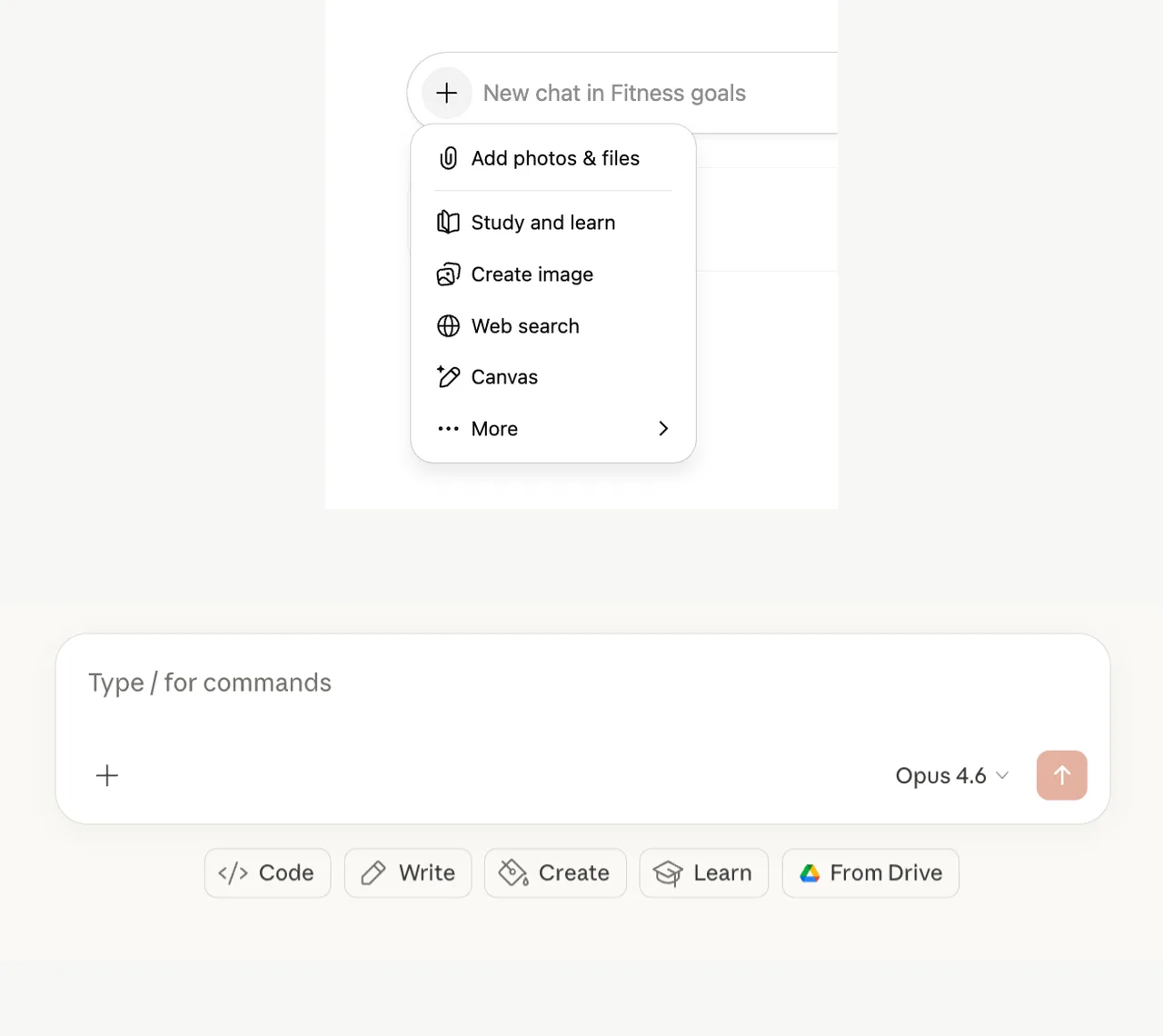
Document work requires distinguishing upload location and work period before model name. ChatGPT's conversations and projects and Claude's chats and projects have different file limits, and limits change within the same service depending on where files are uploaded.
| Review Criteria | ChatGPT | Claude |
|---|---|---|
| Chat File Size | Max 512MB per file | Max 500MB per file |
| Document Text Limit | Max 2M tokens per document/text file | Additional token limit based on extracted content length |
| Files per Conversation | Limits vary by plan and feature | Max 20 per chat |
| Project Files | Plus max 20, Pro/Team/Education/Business max 40 | 30MB per file, no file count limit but total content subject to context limit |
| Upload Usage | Max 80 per 3 hours, Free 3 per day | Varies by message length, attachments, model; 5-hour session limit and weekly limit apply |
| Account Storage | User 25GB, Organization 100GB | RAG automatically retrieves relevant materials as project knowledge grows |
ChatGPT's 80-file limit is a rolling upload limit over 3 hours, not a per-batch limit. The number may decrease during peak times, and failed uploads may count toward the limit.
Choose Based on Material Type
If you need to upload multiple large files in a short time and compare tables, documents, and presentations, check ChatGPT's file size and rolling upload limits first. CSV and spreadsheets have a separate ~50MB limit, and images have a 20MB limit, so do not judge upload feasibility by 512MB alone.
If you must keep referencing the same material bundle for days or weeks, review Claude Projects' file retention and RAG flow. When project knowledge approaches the context limit, Claude automatically activates RAG to search only relevant documents, and official documentation states knowledge capacity can expand up to 10x.
This switches automatically based on project size, not by a separate setting.
If tables and images inside PDFs are analysis targets, verify plan-specific handling. Claude analyzes text and visual elements together in PDFs under 100 pages. ChatGPT extracts digital text from documents and discards embedded images on all plans except Enterprise's Visual Retrieval.
Check Plan Limits and Remaining Usage
Claude Pro costs $20 per month (US); annual billing is charged once a year at a discounted rate that the official help center does not state. Pro usage is not a fixed message count; it varies by message length, attachment length, selected model, and features.
Session limits reset every 5 hours and a weekly limit also applies, so check the next reset time in Settings > Usage.
ChatGPT's upload rate limit and storage limit must be viewed separately. Settings > Storage shows Library storage usage, but the remaining count of the 3-hour rolling upload limit is not currently displayed. Even with storage remaining, an upload limit error can occur if recent upload count is high.
Pre- and Post-Upload Checks
- Record the number of files to analyze, the largest file size, and PDF page counts.
- Decide where to place files: ChatGPT conversation or Project, Claude chat or Project.
- Cross-check each service's file size and count limits, and confirm whether PDF visual elements are needed.
- After uploading, first ask for items verifiable from the source such as document name, page count, and table titles.
- Cross-check the answer's numbers and citation locations against the source document before starting the main analysis.
Requesting a summary from the first question can produce a plausible answer even if only part of the file was recognized. Verifying the file name and a specific page's table title first lets you quickly determine whether upload and extraction completed normally.
When Limit Errors Occur
If ChatGPT shows "upload limit reached," verify the logged-in account and plan, then check the recent 3-hour upload count and Settings > Storage usage separately. Check service status at status.openai.com; deleting unused chats or Custom GPT files can free shared storage.
If Claude hits a usage limit, check the session and weekly reset times in Settings > Usage. If project files are too large, split them under 30MB and use specific file names so RAG can locate needed documents easily. When working in chat, apply the 500MB per file and 20 files per chat limits.
Limits can change with service policy and congestion, so verify the update dates in the official documents below and your account screen immediately before uploading.
For analyzing multiple large files in a short period, verify ChatGPT's per-file and rolling upload limits before use. For repeatedly referencing the same materials in a long-term project, verify Claude Projects' knowledge scope before choosing.
If PDF table and image analysis is needed but ChatGPT Enterprise is unavailable, choose Claude or separate tables as images as an alternative.
Revision history · 2026-09-24
This article was revised against the provider’s official documentation. Korean note
Sources
OpenAI Help Center — File Uploads FAQ (2026-08-22)
Claude Help Center — Upload files to Claude (2026-08-22)
Claude Help Center — Retrieval augmented generation for projects (2026-08-22)
Claude Help Center — What is the Pro plan? (2026-08-22)
support.claude.com — How do usage and length limits work? (2026-09-24)
Open provider document